Classes
Where: Menu → Teach → Classes
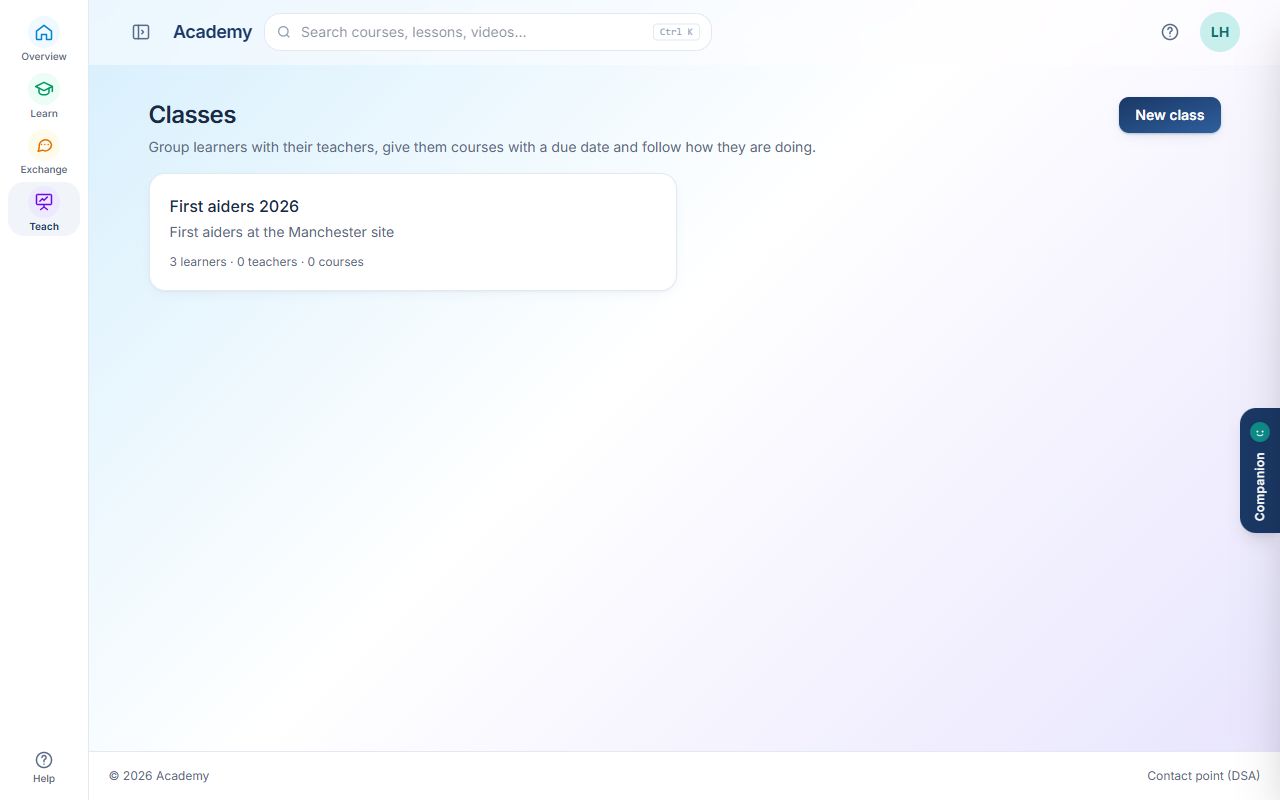
A class brings learners and their trainers together. Assign courses with due dates and follow everyone’s progress.
How to
Section titled “How to”- Click “New class”. In the window, enter a name and optionally a description, and click “Create class”. The class opens.
- On the “People” tab, click “Add people” and choose learners and trainers in the window.
- On the “Courses” tab, click “Assign a course”, choose a course and optionally a due date, and click “Assign”.
- The “Progress” tab shows how far each learner is in each course. “Edit” at the top changes the name, description and access in a window.
More on classes
Section titled “More on classes”- Search classes; All classes goes back; with none yet: No classes yet.
- Who is this class for? Internal (your own people), Public (also learners from the catalogue) or Private (only the people you put in). A class can follow a course (Follows the course: learners enrolling in the course join it) or have No course: learners join directly.
- People to add (Clear selection empties it); a course for the class with a Due date (optional).
- Creative Space of the class opens its room; Delete class removes it. Per learner, the Last learning activity.