Following up open live questions
Where: Menu → Learn → Live sessions → “Open questions” tab
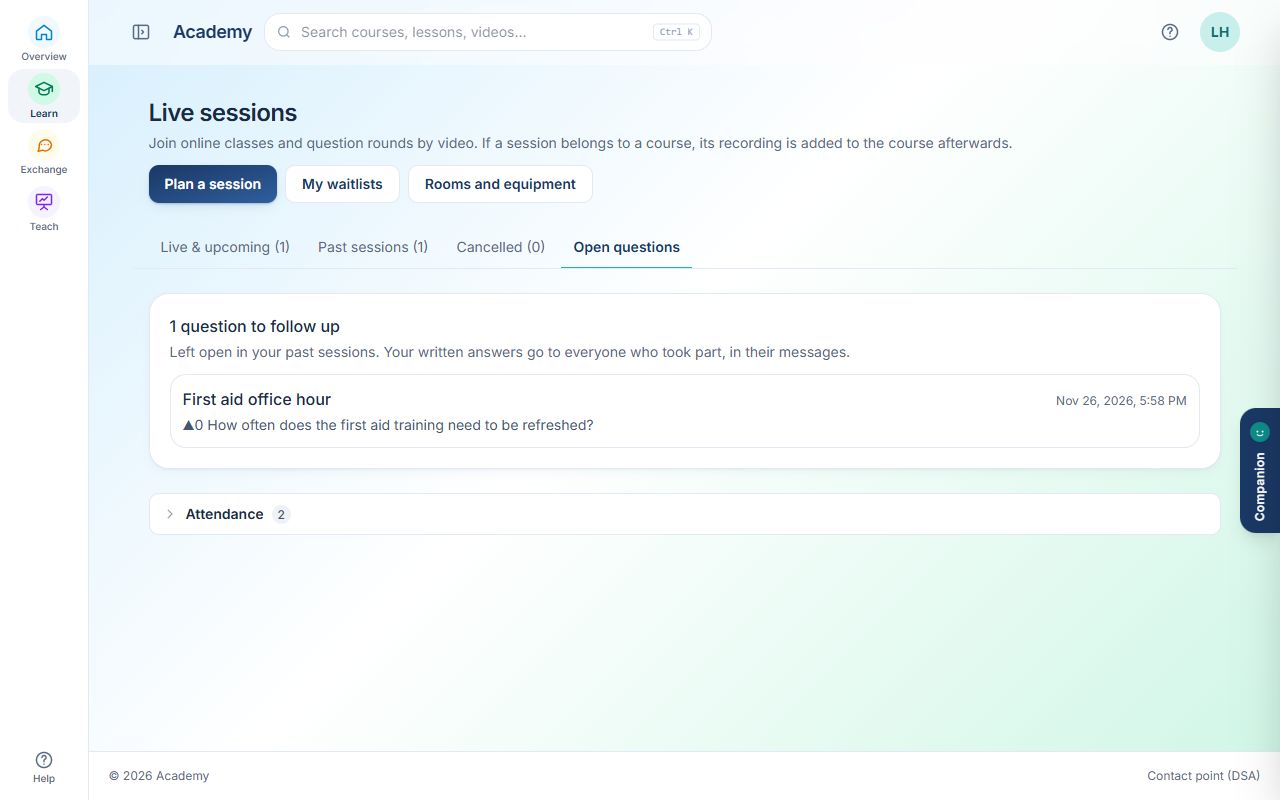
In a session you answer questions aloud or in writing. Written answers go to everyone who took part, in their messages. What’s left open collects in the “Open questions” tab of the Live sessions page afterwards.
How to
Section titled “How to”- On the “Open questions” tab, click the session. Its page opens on the “Questions” tab.
- Write the answer below the question and click “Send answer to everyone”. If there’s an AI draft (marked “Suggested answer by AI”, with the mascot’s live portrait beside it, see The mascot in your lessons and tools), check and edit it, then click “Publish answer”.
- If you answered it aloud already, click “Answered aloud”; “Dismiss” removes it.