Material kits
Where: Menu → Teach → Material kits; for one course also Course editor → Settings → “Material kit”
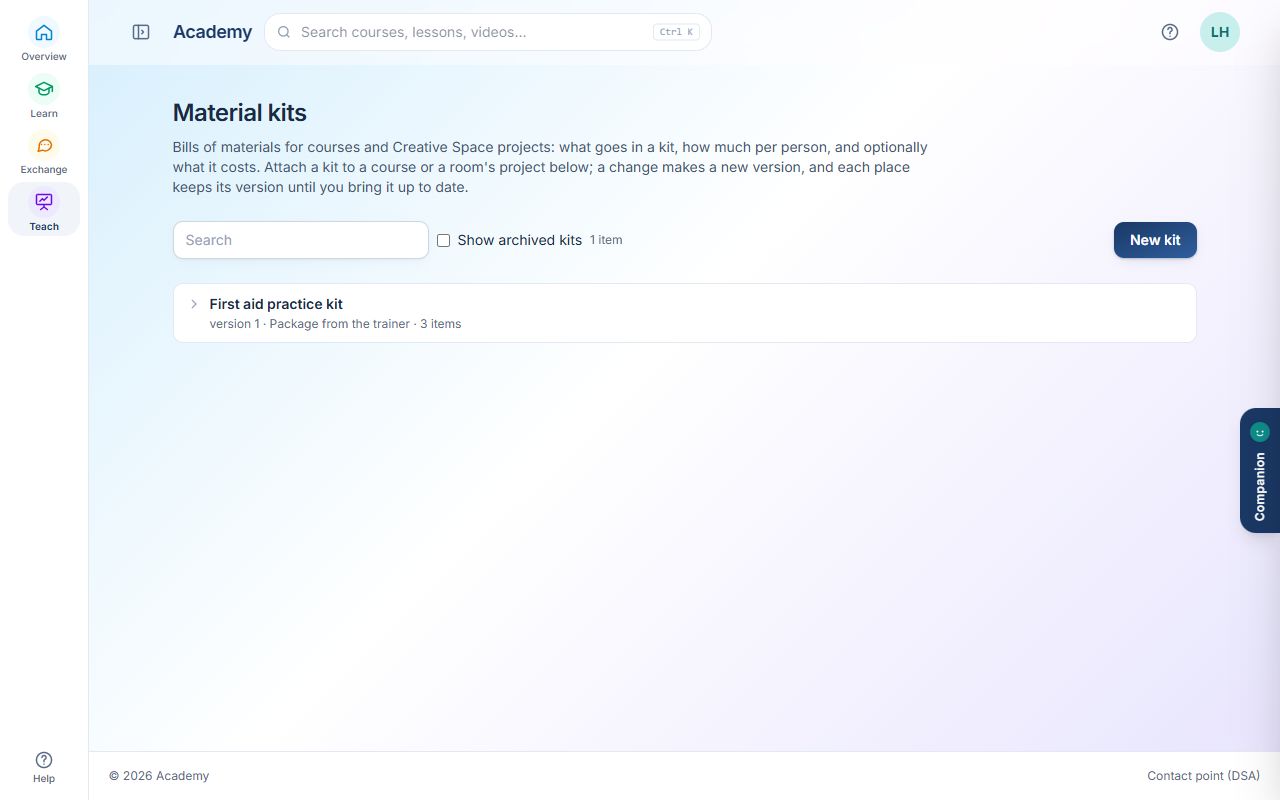
A material kit is a bill of materials for a course or a Creative Space project: what goes in it, how much per person, and optionally what it costs. Either you send everyone a package, or participants get the things themselves.
How to
Section titled “How to”- Click “New kit”: the kit is put together in a window. Enter its name. Later, click a kit’s line to see its items and places, and “Edit” to change it.
- Under “How do participants get the material?”, choose “Package from the trainer” or “Get it themselves”.
- Under “Contents”, add a line per material with “Add material”: the material, how much per person, the unit and, if you like, a price per unit and a note.
- Add instructions if needed and click “Save”.
- Under “Attach to”, choose a course or a project of a Creative Space room you teach and click “Attach”.
Fields and buttons
Section titled “Fields and buttons”- Name of the kit: how it is listed in projects and courses.
- Material: Type or Pick from the catalog. Picking a thing brings its unit, price, shop link and picture along. If your organisation allows only things from its material catalog, a line holds only those.
- Shop link and picture: A page where the thing can be bought (only a suggestion) and a picture. “Get picture and price from the link” fills empty fields from the shop page, if it can be read; otherwise upload the picture yourself.
- Price per unit and Shipping per kit: Optional. With prices the kit shows its cost per person, with shipping. For “Get it themselves”, the price is a Reference price per unit, and participants see a picture, the reference price and the shop link for each thing.
- Used in: The courses and projects that use the kit, with how many participants and packages are open, sent, received or have a problem.
- Versions: A change makes a new version. Each place keeps its version until you bring it up to date with “Use version …”. “Take off” removes the kit from a place.
- Shipping: For a package kit, “Shipping” shows the packing list for all participants, “Packing list (CSV)” and “Shipping list with addresses (CSV)”, and every participant’s package. “Mark sent” and “Mark not sent” change its state; learners mark it received or report a problem.
- Archive: Archived kits disappear from the list; “Show archived kits” brings them back into view.
- In the course editor: Settings → “Material kit” chooses the course’s kit and shows what one kit costs per participant, with shipping. Learners see in the course what is in their kit and its state, not what it costs.