Required trainings and certificates
Where: Menu → Overview → “My required trainings” → “Certificate”; or Menu → Learn → My evidence → an entry → “View certificate”
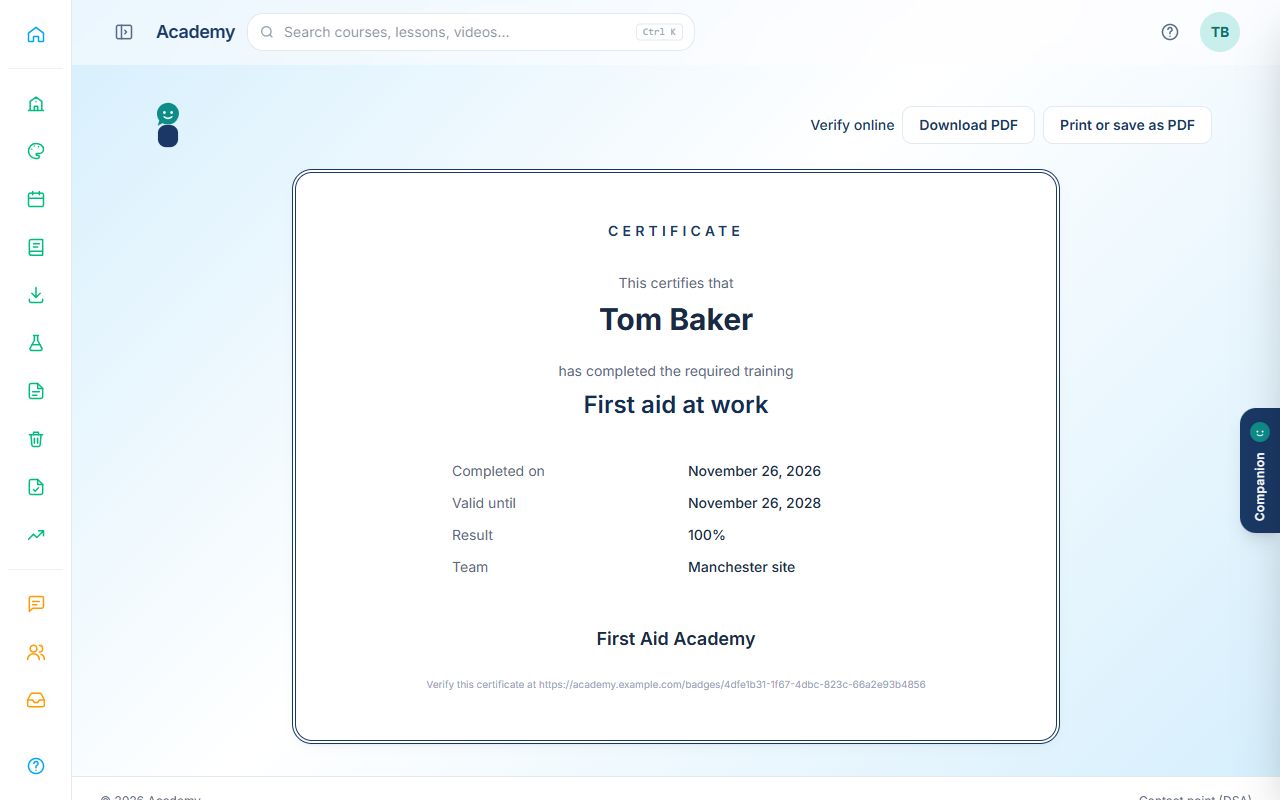
When your organisation assigns you required trainings, the overview lists them under “My required trainings”. Each completed round of a required training gets a certificate you can print or save as a PDF.
How to
Section titled “How to”- On the overview, find the training under “My required trainings”.
- Click “Certificate” next to a completed training.
- Click “Download PDF”, or “Print or save as PDF”.
Fields and buttons
Section titled “Fields and buttons”- Done / Open / Overdue: Where the training stands, with its due date or how long it is valid.
- Completed on / Valid until / Result / Team: What the certificate shows, with your name, the course and the organisation.
- Verify online: Opens the certificate’s badge, where anyone can check it. Shown when the certificate has a badge.
- Verify this certificate at …: The address printed on the certificate for checking it.
Badges
Section titled “Badges”A badge shows an Achievement; its page says This certifies that with your name. Under Check who earned it, anyone you show it to enters an email address and learns whether the badge was issued to it; the address itself is never stored in the badge.