Groups
Where: Menu → Learn → Groups
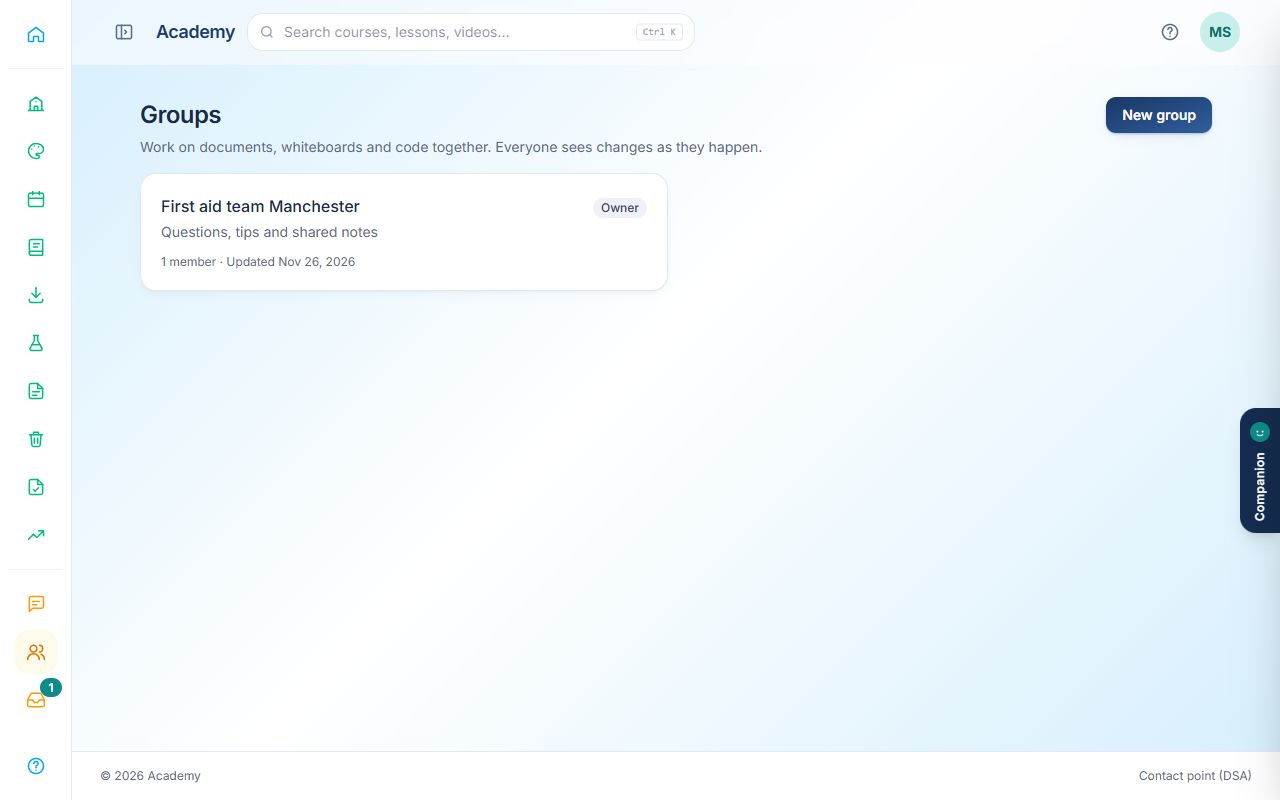
In groups you work together on documents, whiteboards and code. Everyone sees changes at once. A deleted document goes to the trash: whoever deleted it restores it for 30 days, the organisation’s administrators for 60.
Fields and buttons
Section titled “Fields and buttons”- New group: At the top of the page. Opens a window for the name and purpose.
- Name: What the group is called, e.g. “First aid team Cologne”.
- Purpose: What the group is for (optional).
- Create group: Creates the group; you own it.
- On the group’s page: Two tabs, “Documents” and “Members”, each with its number. “New document” (on the “Documents” tab) opens a window for the type, the title and, for code, the language; “Create” opens the new document. As the owner, “Add member” (on the “Members” tab) opens a window with “Add someone by email” and what they can do.
More in groups
Section titled “More in groups”- Leave group takes you out of it. A member who Can view reads but doesn’t change things.
- New items get a title such as Meeting notes or Practice exercise; change it as you like.
- The group’s whiteboard: Whiteboard tools at the top, colours such as Pink; for an arrow, Click the first item, then the second.