Exchange: the discussion board
Where: Menu → Exchange → Exchange
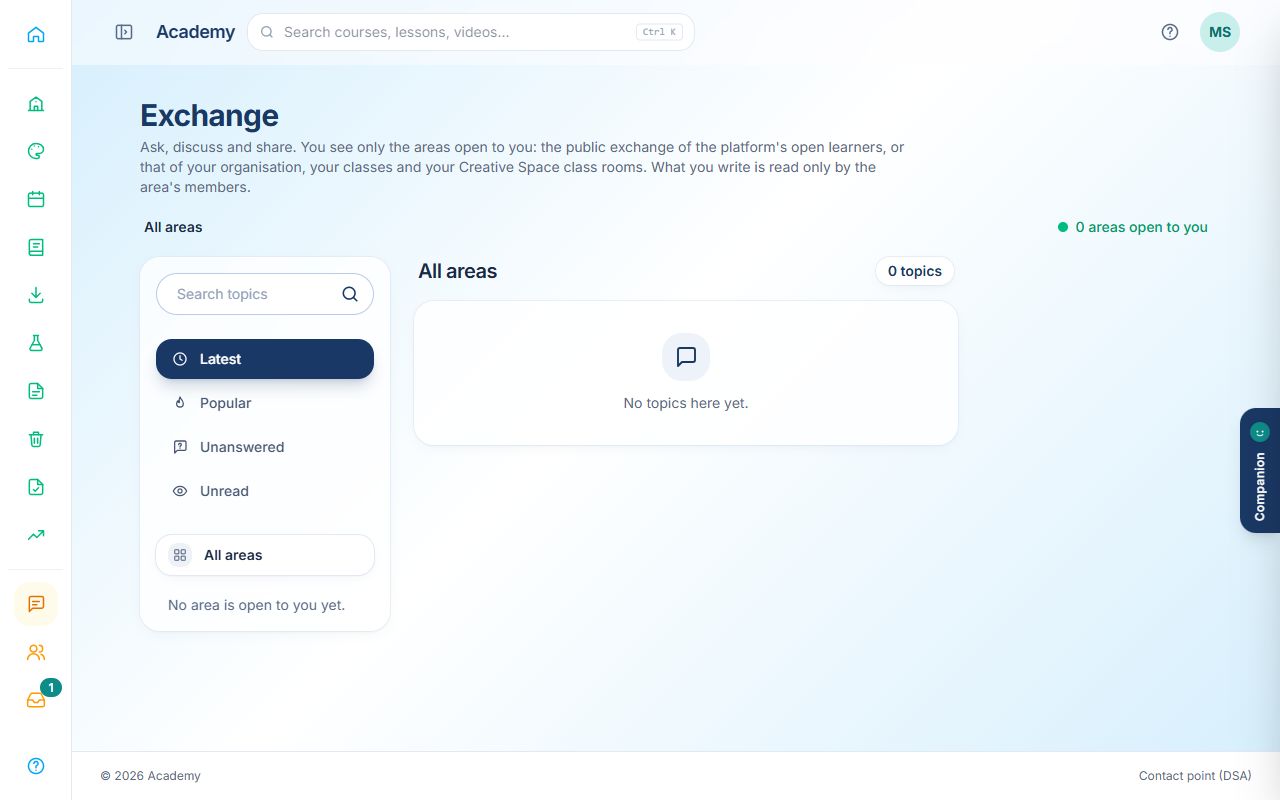
Ask, discuss and share. You see only the areas open to you: the public exchange of the platform’s open learners, or that of your organisation, your classes and your Creative Space class rooms. What you write is read only by the area’s members.
How to
Section titled “How to”- Pick an area on the left, or “All areas”.
- Choose a view: “Latest”, “Popular”, “Unanswered” or “Unread”, or search the topics.
- To ask something, click “New topic”. In the window, choose the area if there are several, write a title and the text, and click “Publish”.
- Open a topic to read it; “Answer” replies to a post.
Fields and buttons
Section titled “Fields and buttons”- Public / My organisation / My classes / Creative Space: The kinds of area. Public: all open learners of the platform read along; organisation accounts don’t see it. My organisation: only its internal members. A class or class room: only its members.
- Text: Bold, italic, lists, links, quotes and code with the bar above it. You can add pictures and attach files.
- Helpful: Marks someone else’s post as helpful.
- Mark as solution: In areas for questions, the person who opened the topic marks the answer that solved it.
- Translate: Translates a post into your language, if the area allows it; “Show original” goes back.
- Edit / Delete: For your own posts. A deleted post leaves a note in its place.
- Report topic to moderation / Report to moderation: Illegal or against the terms of use? The report dialog asks why and for an explanation (see Reporting content). The moderators of the area decide; you get a confirmation and the decision by email, and the author doesn’t learn who reported it.
- Pinned / Solved / Closed: Marks on a topic. A closed topic takes no more answers.
- Team: Marks posts by the area’s moderators.
More in the community
Section titled “More in the community”- About this area says what the area is for; Active here shows who takes part. Search topics finds posts; Read more opens a long one.
- A Class discussion belongs to a class and only its members see it.
- Writing: Subheading, Bulleted list and links (Link address (https:// or mailto:)).
- Not the solution takes back a marked answer; Unpin releases a pinned post. Where Members may translate posts is on, posts can be shown in your language.