Purchases & invoices
Where: Menu → Finances → Purchases & invoices
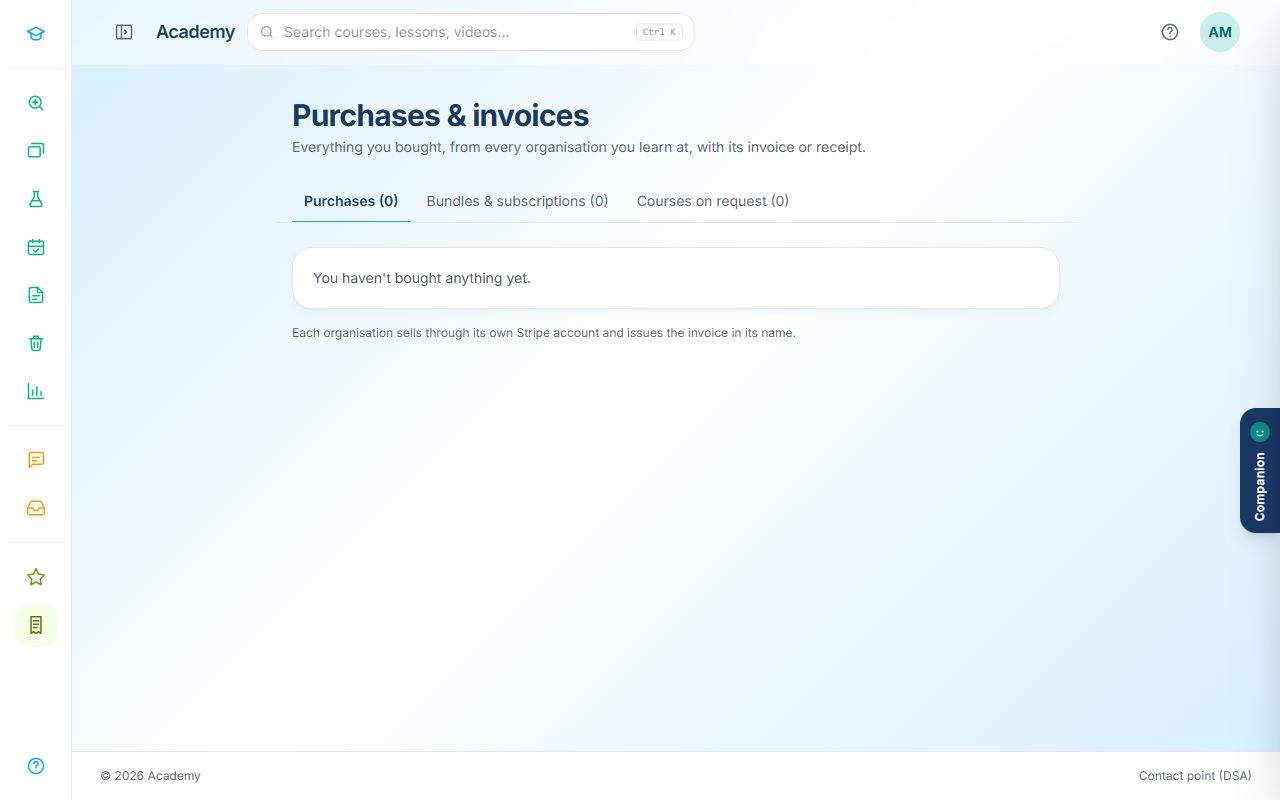
Everything you bought, from every organisation you learn at, with its invoice or receipt. Each organisation sells through its own Stripe account and issues the invoice in its name. The page has three tabs, each with its count: “Purchases”, “Bundles & subscriptions” and “Courses on request”. Every purchase keeps its own withdrawal button right at it. Back from paying for a bundle or subscription, the page opens on its tab.
How to
Section titled “How to”- Find the purchase in the list. With purchases from more than one organisation or year, narrow the list with “All organisations” and “All years” above it.
- Click “Invoice” to open the invoice or receipt in a new tab.
Fields and buttons
Section titled “Fields and buttons”- Purchase line: What you bought (course, live session or mentoring), the organisation, the date and, if there is one, the invoice number and due date. A discount and the tax included show below.
- Status: Paid, Waiting for payment, Not completed, Refunded or Failed.
- Withdraw from contract here (until …): Shown while you can still withdraw from the purchase: within 14 days, for a live session until it starts, for mentoring until every appointment was held. Not after access to a course started once you gave both statements before paying. It opens the withdrawal form with the purchase filled in; the organisation gets your declaration and you get a confirmation by email.
Courses on request and their features (tab “Courses on request”)
Section titled “Courses on request and their features (tab “Courses on request”)”Bought from the academy itself with money: courses on request, with the features bought with them, and features added to a course later. While you can still withdraw, each shows Withdraw from contract here with the date: within 14 days, for a course on request only until it is being made, and for features only until they are being made, once you gave both statements before paying. Course points can’t be bought: they come with Pro (each billing month) or from a free voucher.
Course bundles & subscriptions (tab “Bundles & subscriptions”)
Section titled “Course bundles & subscriptions (tab “Bundles & subscriptions”)”Each bundle or subscription is one row: its title, price, billing, organisation and date, its status and its buttons. Below the buttons, “What it includes” (its description and courses) and “Payments” (each payment with its document) are folded; click to open them.
- Status and “Paid access through …”: Whether you have access, and until when.
- Open my learning: Opens My learning, where the courses are.
- Continue to checkout: For a purchase still awaiting payment.
- Refresh payment status: Fetches the current state of the payment.
- Invoices & payment method: Opens the payment provider’s page for a subscription.
- Cancel at period end: Cancels a subscription at the end of its paid period, after asking. Access remains until then.
- Redeem voucher: For an active subscription.
- Withdraw from contract here (until …): Within 14 days, unless access started after you gave both statements before paying.
- Paid · Open invoice / receipt: Each payment, with its document, under “Payments”.