My classes and study groups
Where: Menu → Classes
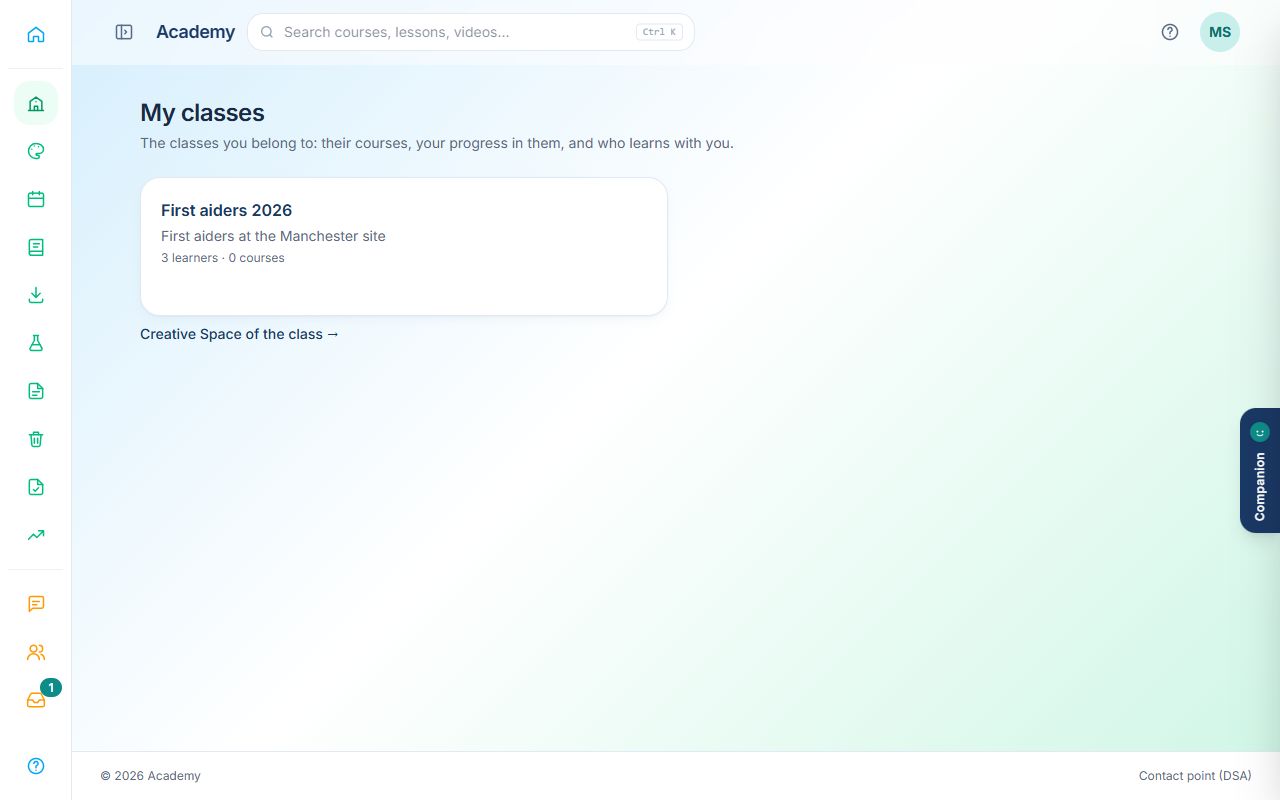
Here you see the classes your trainer or organisation has put you in: the class’s courses with your progress and due date, the teachers, and who learns with you. Of fellow learners you only see their name and picture.
When there are public classes you can join, they are in the tab “Open classes” beside “My classes”. That also holds when you learn with an organisation as a customer, without being one of its members: you see its public classes and the classes it put you in. Study groups are for its members only.
How to
Section titled “How to”- Open “Classes” in the menu and click a class.
- The class page has the tabs “Courses”, “Coding tasks” (when the class has some) and “People” (teachers and learners). Click a course to open it. Overdue courses are marked.
- Click “Start a study group” at the top. In the window, name the group, pick fellow learners and click “Start the group …”. The group opens, and everyone you picked is in it straight away.
- A class page shows the Courses of the class and the Creative Space of the class; groups in it have a Name of the group. Join class joins one you were invited to.