Rating a course
Where: Course page → “Content”, once every lesson is done
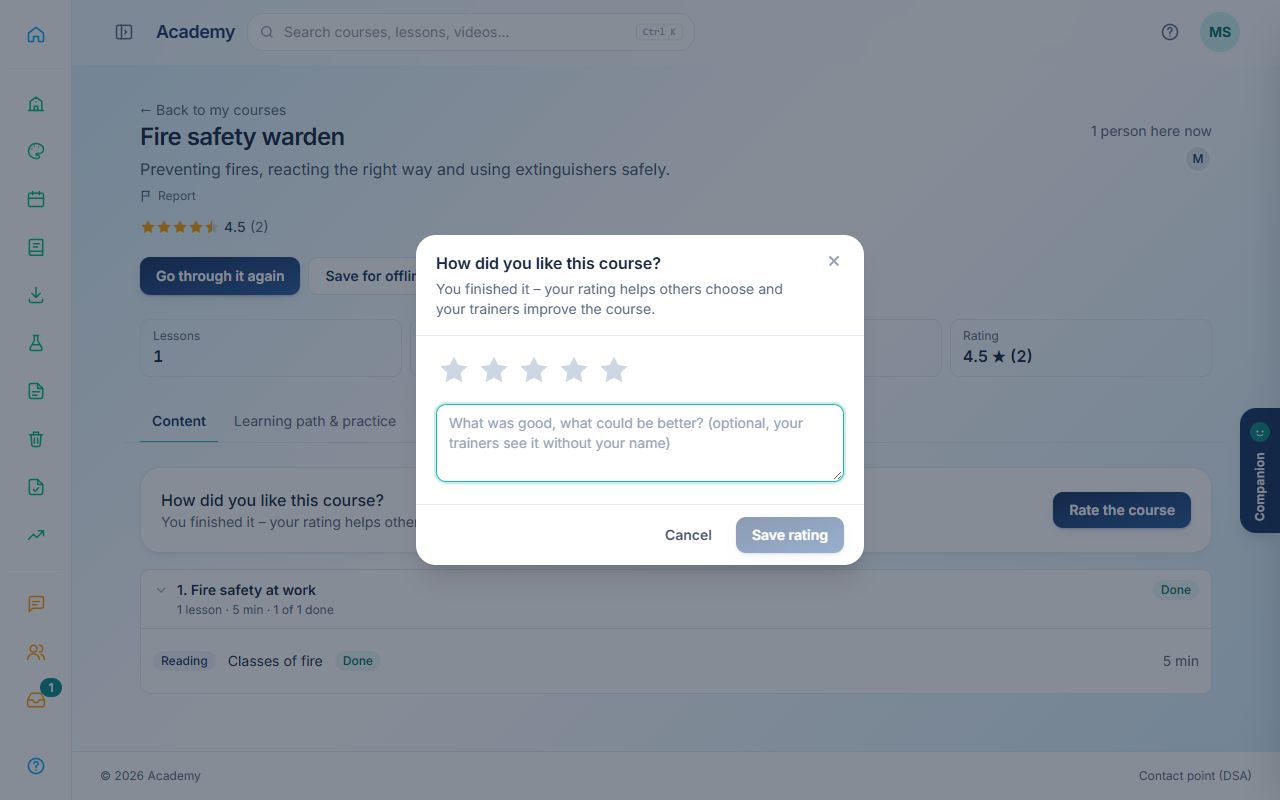
When you’ve finished every lesson of a course, the course page asks “How did you like this course?” in a line at the top of its “Content” tab. “Rate the course” opens a window. Give one to five stars and, if you like, a comment. The average shows in course lists and the public catalog; your trainers read comments without your name.
How to
Section titled “How to”- Click “Rate the course”, then the number of stars.
- Optionally write what was good and what could be better.
- Click “Save rating”. The window closes and the line shows “Your rating”. “Change” opens the window again.