Own documents for the companion
Where: Menu → Learn → Own documents
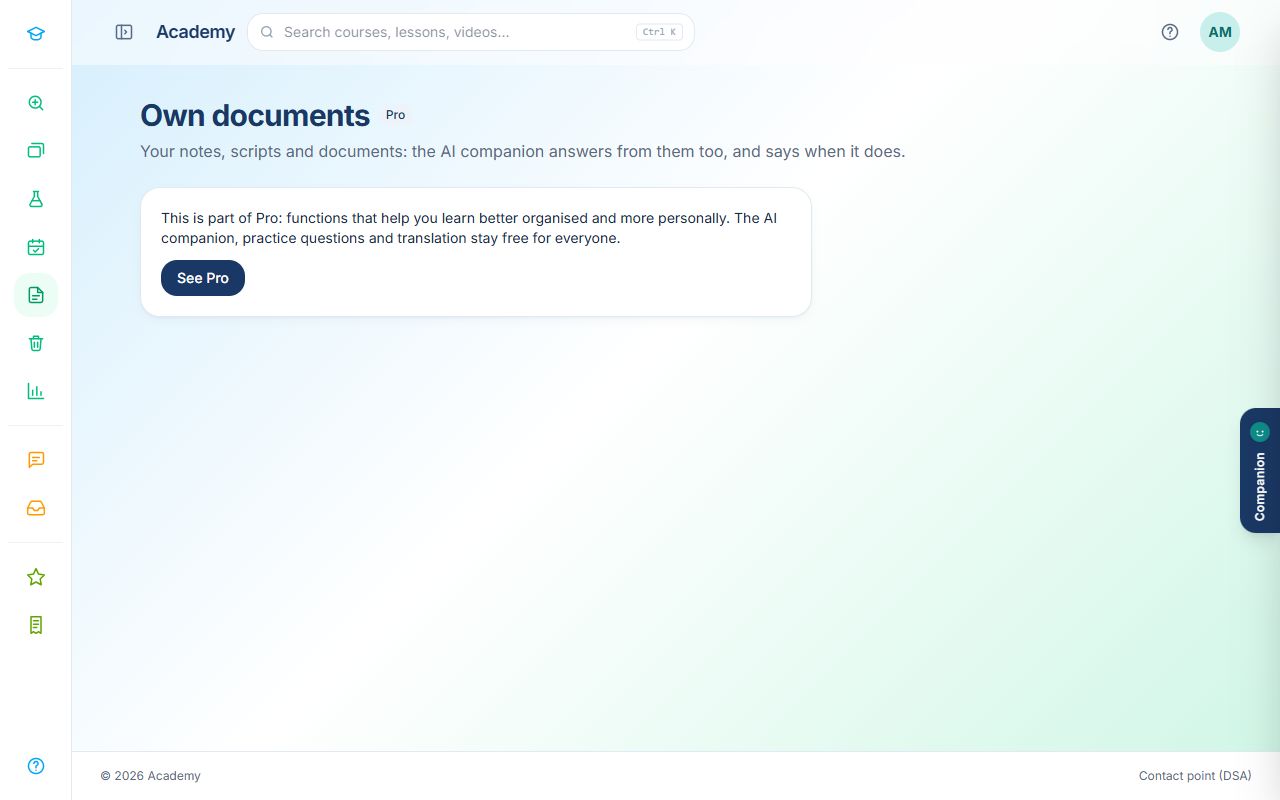
A Pro tool. Upload your notes, scripts and documents, and the AI learning companion answers from them too, and says when it does. Only the text of a file is kept, to answer your questions; the file itself is not stored.
How to
Section titled “How to”- Click “Upload a document” and choose a PDF, Word, PowerPoint, Markdown or text file (up to 20 MB).
- Wait while it says “Reading …”; the document then appears in the list.
- Ask the companion as usual; it says when an answer comes from your documents.
Fields and buttons
Section titled “Fields and buttons”- Document line: Title, file name, size, how many passages were taken from it, and the date.
- Remove: Takes the document off the list.