External evidence
Where: Menu → People → External evidence
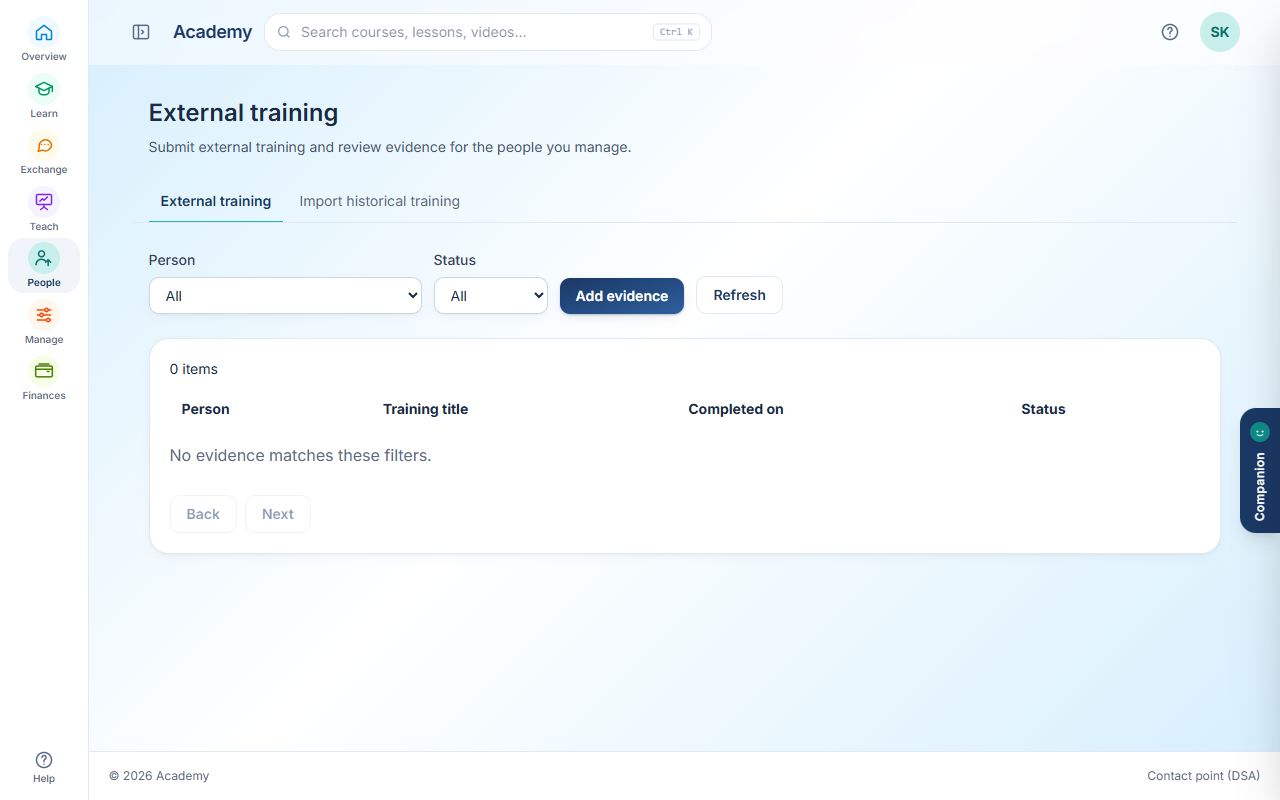
Trainings people did elsewhere, with their proof. People submit them under Learn → My evidence; their current manager or HR reviews them here and can credit them to an open round of a required training. HR can also enter evidence directly and import historical training records.
How to
Section titled “How to”- Filter by person and status (submitted, approved, rejected) and open an entry: it opens in a window.
- In the window, check the proof file, write a reason for the decision and click “Approve” or “Reject”.
- To fulfil a required training, choose an open round under “Credit to an open round” and click “Credit selected round”, or choose “Keep as evidence only”.
- HR: “Add evidence” opens a window to enter an entry for a person, with its source. Entries by HR are approved at once.
Fields and buttons
Section titled “Fields and buttons”- Training title, provider, completed on, valid through, score, result: As the person entered them. Without “Valid through”, crediting uses the recurrence interval of the assignment.
- Proof file: PDF, PNG or JPEG, up to 10 MB. Stored encrypted; accessible to the person, their current managers and administrators.
- Credit to an open round: Only approved, passed evidence that is still valid and was completed on or after the round opened can fulfil it, and each piece only one round. Learning progress stays separate.
- Decision history: Folded in the entry’s window: who decided what, and when.
- Import historical training (HR): On its own tab next to “External training”. Up to 500 rows from a CSV file of at most 1 MB; “CSV template” gives the columns and “Download assignment IDs” the ids to refer to. Use a title for standalone evidence, requirementId for a historical round, or courseId when the person has exactly one matching assignment. Source and externalId must stay the same across imports, so rows already imported are skipped. Old completions never close current open rounds. “Preview” checks every row before “Apply import”.
More on evidence
Section titled “More on evidence”- Import: paste the CSV content; each line says Ready to import or Already imported; unchanged. Fields include the External ID, Score in % (optional) and Valid through (optional).
- People can hand in evidence themselves (Submitted by the person, Submit for review). Accepted evidence shows Credited to a round.