Handling support tickets
Where: Menu → Manage → Support tickets
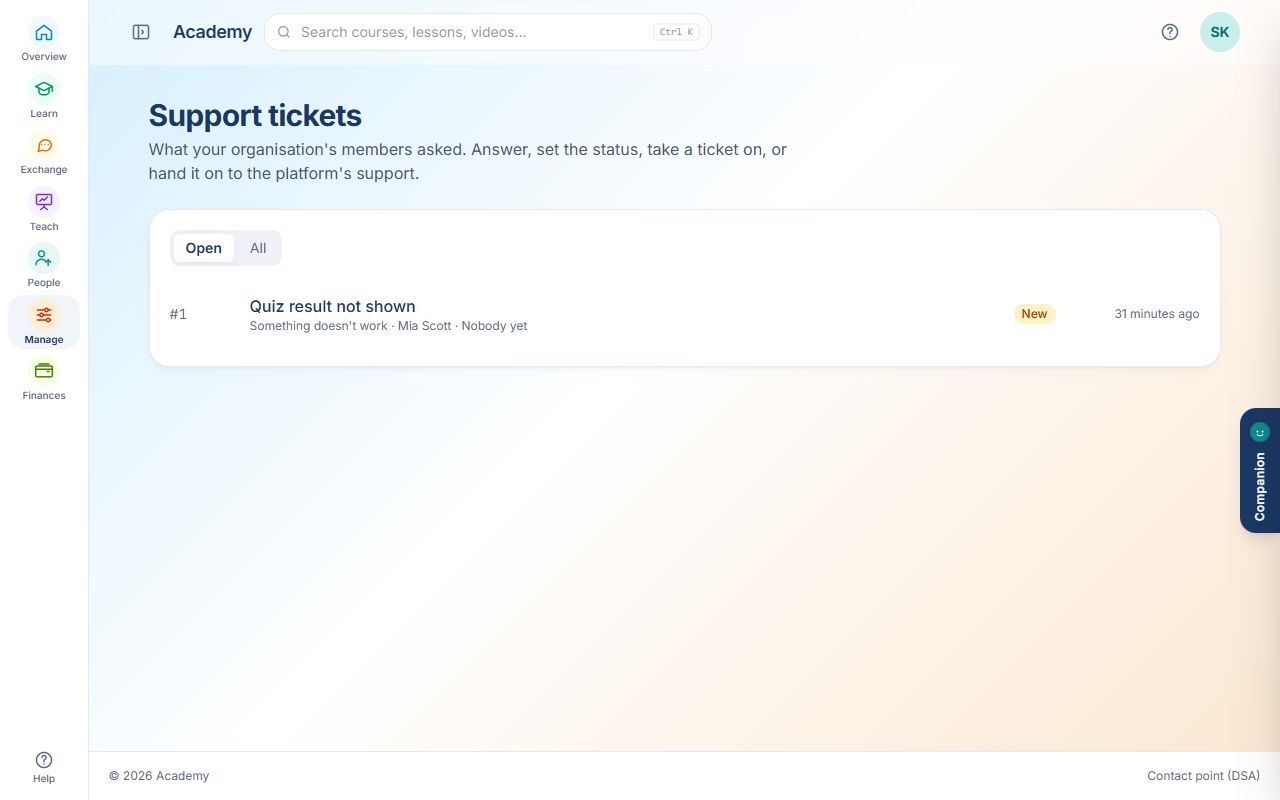
The tickets of your organisation’s members land here. Your own tickets go to the platform’s support.
Fields and buttons
Section titled “Fields and buttons”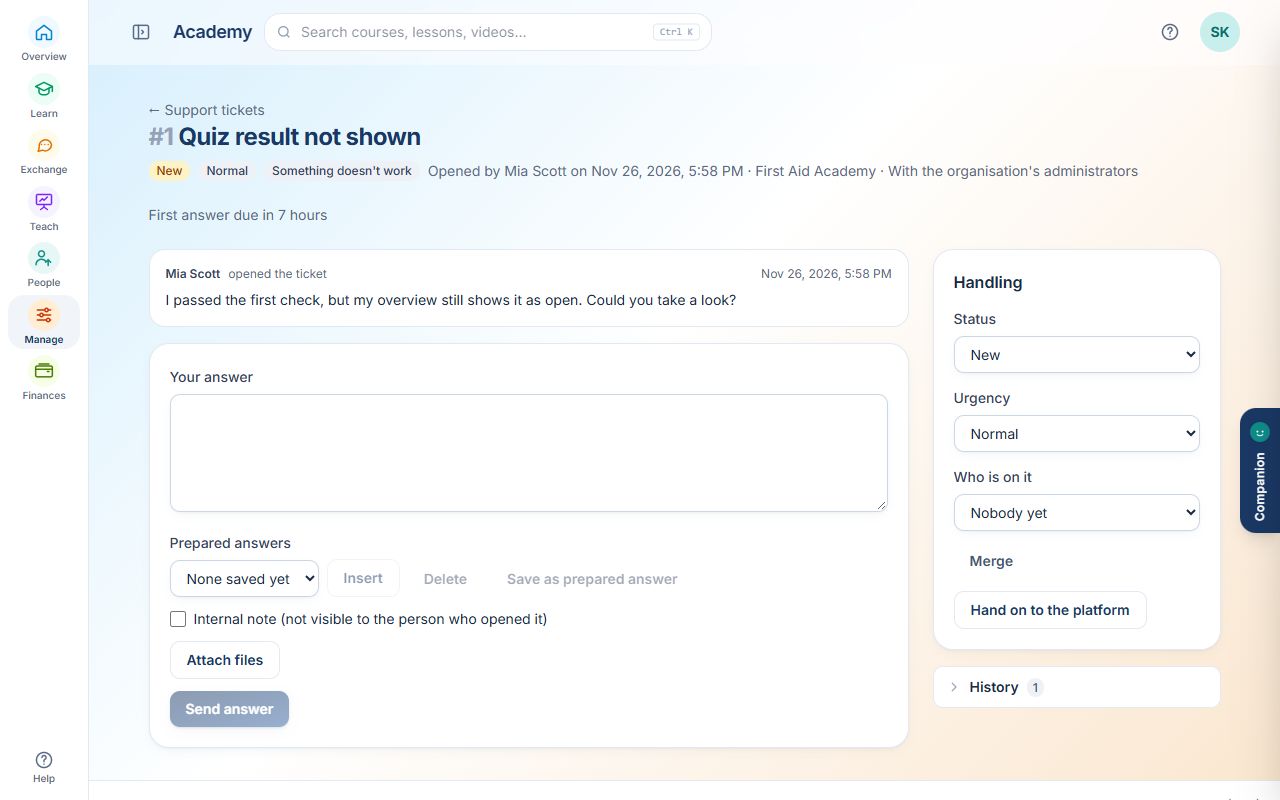
- Status: New, In progress, Waiting for answer, Resolved or Closed. The person gets an email with every change.
- Who is on it: One of the administrators takes the ticket on; the person’s answers then go to them alone. Until then it says Nobody yet; the history says Nobody on it any more when someone gave it back.
- Internal note: Visible to administrators only and, once handed on, to the platform’s support.
- Hand on to the platform: For questions only the platform can solve. You can still read the ticket afterwards; it shows Handed on to the platform.
- Which tickets: the filter above the list (open, mine, all and more).
- Kinds: besides the person’s own topics, Reported message (a message someone reported) and Server status (a ticket the server status opened by itself; its reporter shows as Server status).
- Deadlines: by urgency; Answer overdue and Solution overdue mark tickets past them.
- Merge into ticket: joins a ticket into another one of the same person.
- Prepared answers: text you reuse. In the answer box, Save as prepared answer with a Name of the prepared answer; Prepared answers inserts one (None saved yet before the first).