Selling through the marketplace
Where: Menu → Finances → Sales & payments → Payments
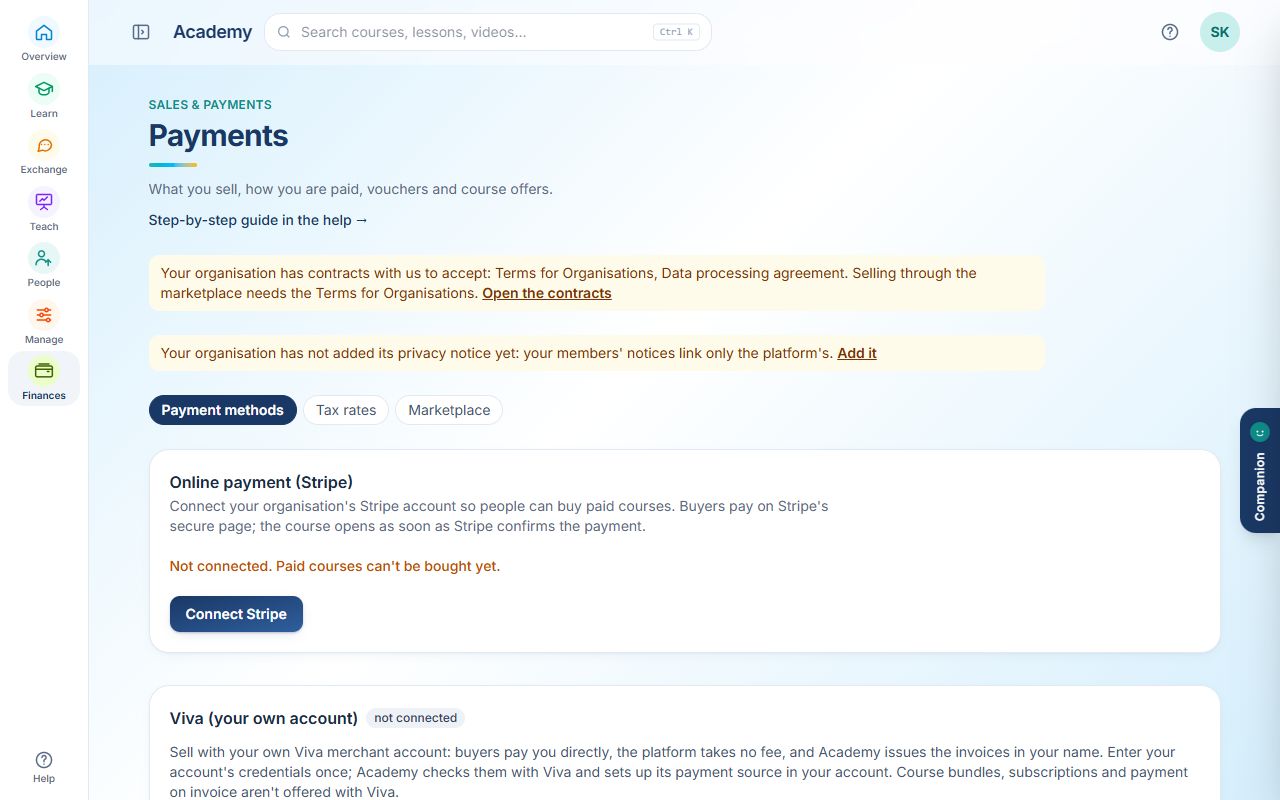
Where the platform offers it, your organisation can sell through the platform’s marketplace instead of with its own payment account. Depending on how the platform has set it up, either your organisation is the seller and the platform arranges the sale, or the platform sells in its own name and pays your organisation its share. Selling through the marketplace needs the Terms for Organisations accepted (see “Contracts with us”).
How to
Section titled “How to”- On the tab “Payment methods”, under “How your organisation sells”, choose “Through the platform’s marketplace”.
- On the tab “Marketplace”, each part is one line with its state: the marketplace statement, your seller data and each provider. Click a line to open it. Under “Seller data”, click “Edit seller data”, fill in the window and click “Save seller data”.
- Under “Self-billing”, agree if the platform is to bill your side itself.
- Connect or open your account at the provider the platform pays through (Stripe, Mollie, Mangopay, Adyen or Viva) and complete its steps on the provider’s pages.
- Follow your sales, balance and payouts in the marketplace statement.
Fields and buttons
Section titled “Fields and buttons”- Seller data: The page shows what is saved; “Edit seller data” changes it in a window. Legal name, address, country, VAT, registration and tax numbers, IBAN and your VAT status in your own words, for statements, payouts and the platform’s yearly report on sellers. The tax number and IBAN are stored encrypted and shown only by their last characters; type a new one to replace it. Payouts wait until the data is complete.
- We charge VAT on our sales: Off: invoices the Academy issues in your name carry no VAT; say why in your VAT status.
- Self-billing: You get a statement instead of writing an invoice. It needs your agreement, which you can withdraw.
- Paid through: Where the platform offers several ways, choose how your organisation is paid, or “Automatically”.
- Stripe: “Connect with Stripe” takes you through Stripe’s onboarding: Stripe checks who you are and takes your bank account. Its part shows whether the account takes payments, receives payouts and pays out to your bank, and how many details Stripe still needs. If Stripe’s link has expired before you finished, Stripe brings you back to this page (signed in); click “Connect with Stripe” again to carry on where you left off.
- Mollie: You sign in at Mollie (or sign up there) and allow the platform to route payments to your account.
- Mangopay: “Open the account at Mangopay” opens a window: enter the kind of organisation and its legal representative; opening the account accepts Mangopay’s terms. Then authenticate at Mangopay, have the organisation verified and confirm the bank account from your seller data.
- Adyen and Viva: The Academy opens the account from your seller data; you complete it on the provider’s page, where it verifies your organisation.
- Not set up yet: A provider your terms name that the platform hasn’t set up yet (its account or app is missing) shows Not set up yet with Ask for it in a ticket: it opens a support ticket to the platform with the subject and text filled in. Providers your terms don’t name aren’t shown.
- Forget the account: Sales and payouts through that provider stop until it is opened again. The account and its balance stay at the provider.
- Marketplace statement: Your terms (seller model and commission), the balance held, available and total owed, and every sale, refund, dispute, adjustment and payout with gross, tax, commission, your share and the date it becomes available. A negative balance is set off against your next payouts.
- Payouts: The payout runs with their status and statement number.
- Commission invoices: The platform’s invoice for its commission, one per month, as a PDF once the month is over (“Issue the invoice” makes it the first time).
- Yearly sellers’ report: What was paid or credited to you, and the number of sales, per quarter, as CSV. Platforms in the EU may have to send it to their tax authority; check your own duties with your tax adviser.
Opening your payout account
Section titled “Opening your payout account”Through the marketplace, payouts go through the platform’s provider (Stripe Connect, Mollie Connect, Adyen for Platforms, Viva.com or Mangopay). Your organisation opens an account there:
- Stripe: Payouts through Stripe: Continue at Stripe to enter your details there; later Update details at Stripe or Open your Stripe dashboard.
- Viva: Open the account at Viva, then Continue at Viva. Adyen: Open the account at Adyen, then Continue at Adyen.
- Mangopay: the kind of seller (Sole trader, Partnership, Association or foundation or a company), Representative’s first name, Representative’s last name, Representative’s email, Nationality (two letters, e.g. DE) and Country of residence (two letters); Open the account and authenticate.
The status lines say how far it is: Takes payments: yes / Takes payments: not yet, Verified: yes / Verified: not yet (at Viva: Verified by Viva: yes / Verified by Viva: not yet), Authenticated: yes / Authenticated: not yet, Bank account confirmed: yes / Bank account confirmed: not yet.
Self-billing: the platform issues the invoices for your sales in your name: We agree to self-billing (with your address, Address (second line) and Country (two letters, e.g. EE)); Withdraw the agreement ends it.
Statement: each line with its kind (e.g. Opening balance, sales, refunds, Dispute won) and Available from: when the money can be paid out.