Mentoring packages
Where: Menu → Finances → Mentoring packages
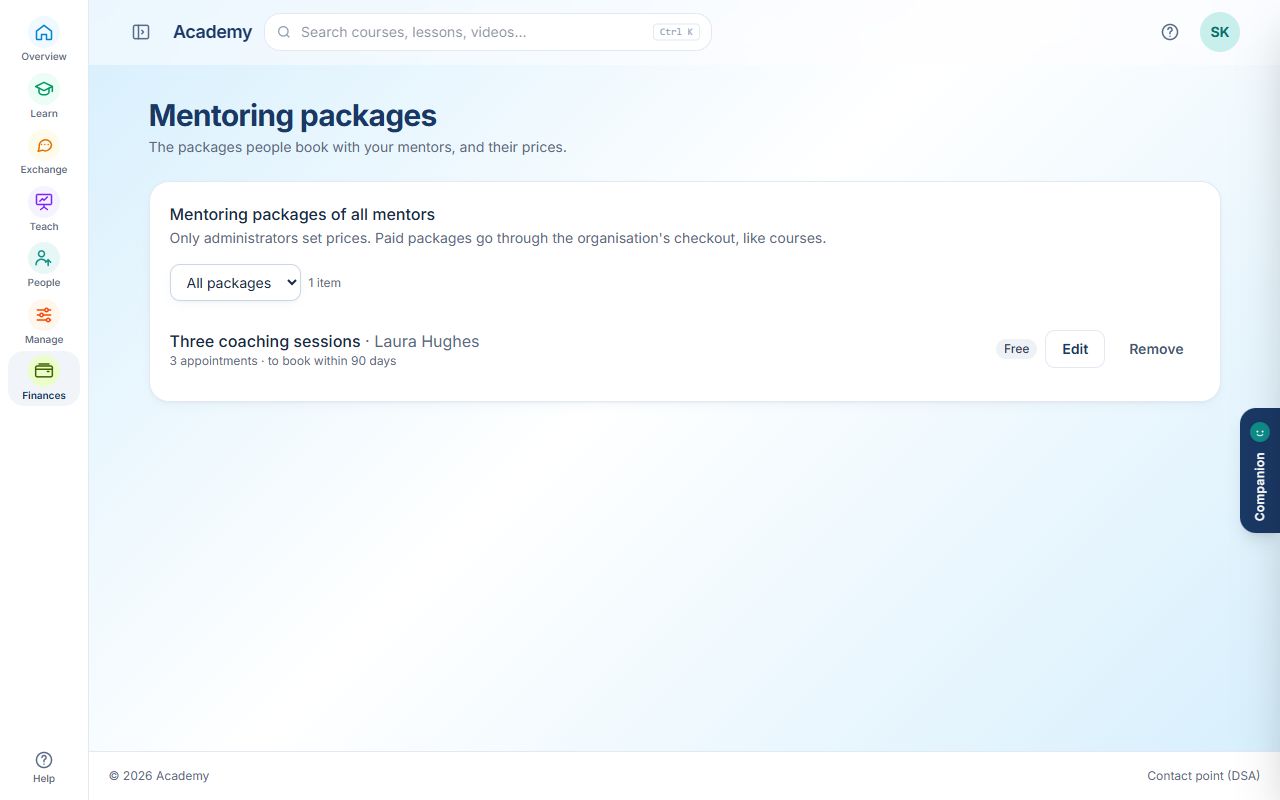
The packages people book with your mentors, and their prices. A package bundles several appointments, for example six talks within six months, and opens the mentoring workspace with the person who takes it. Mentors create their packages themselves; here you see the packages of all mentors, and only administrators set prices.
How to
Section titled “How to”- The page Mentoring packages of all mentors lists them. Narrow it to “Active” packages or those “Not on offer” (All packages shows all), and to one mentor (“All mentors” shows all). Each line shows its name, the mentor, the number of appointments, how long it can be booked and its price.
- Click “Edit”; in the window, change the name, appointments, validity in days (empty: no limit), what’s included, and the price and currency (empty: free).
- Untick “On offer” in the window to take a package off offer, then “Save”. “Remove” on the package’s line deletes it.
Fields and buttons
Section titled “Fields and buttons”- Price: Paid packages go through your organisation’s checkout, like courses.
- Packages mentors add: Are free until an administrator sets a price.
- Not on offer: Marks a package that is switched off.