Automations with n8n
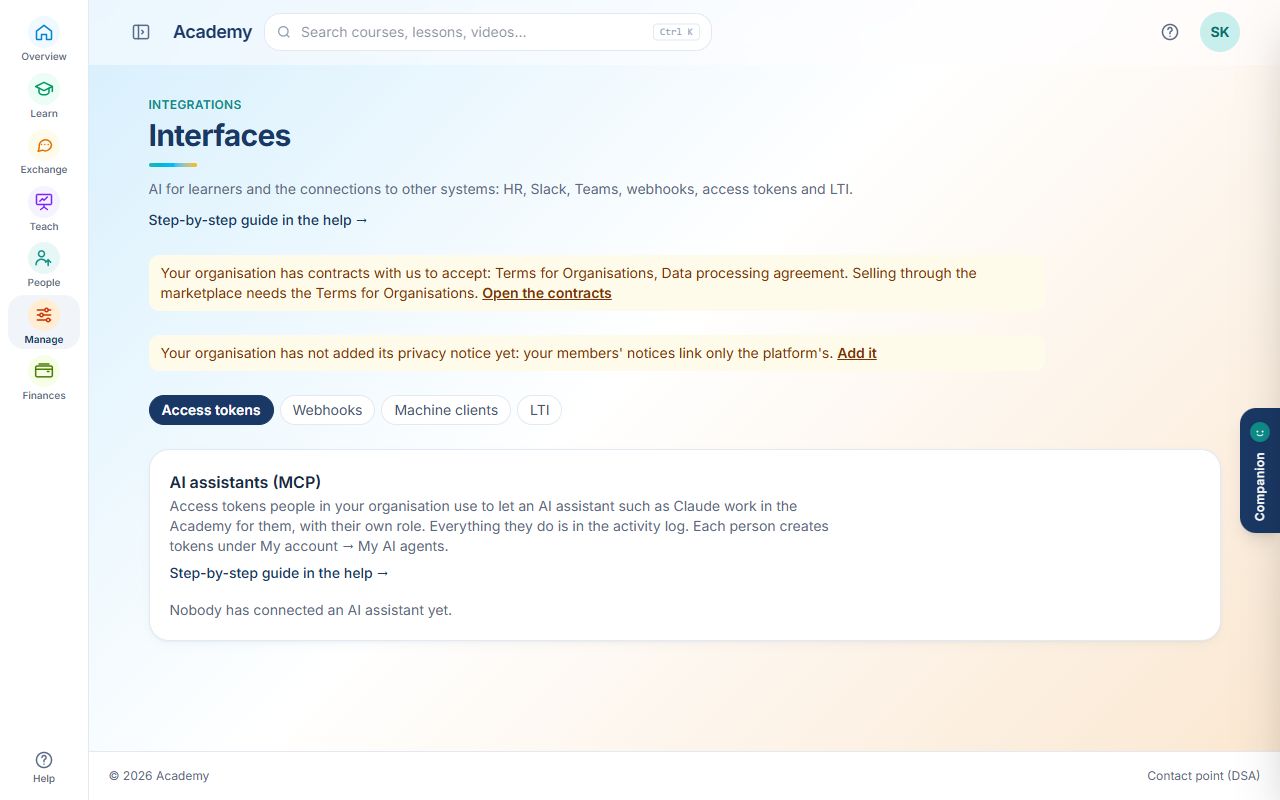
Where: Menu → Manage → Integrations → Interfaces → Machine clients, and your n8n
The Academy nodes for n8n connect your workflows to the academy:
- Academy Trigger starts a workflow on the academy’s events: a person accepted their invitation, a course was completed, a training is overdue, a certificate was issued, and more. It subscribes itself when the workflow is activated and unsubscribes when it is deactivated, and it checks every delivery’s signature.
- Academy does the steps of onboarding and offboarding:
| Resource | Operations |
|---|---|
| Person | Create or Update (found by email; new ones as learners, optionally invited), Get Many (by email or employee number), Send Invitation, Deactivate, Reactivate |
| Team | Add Member, Remove Member, Get Many |
| Required Training | Create (for a team), Get Many, Delete |
| Class | Create, Add Member (learner or teacher), Remove Member, Assign Course, Get Many |
| Enrollment | Create (a course or a programme, with a due date) |
| Program | Get Many |
| Course | Find or Create (by title), Get Many |
| Course Run | Create (the course factory writes a course for a trainer, within your organisation’s budget), Get, Get Many, Cancel, Publish Course |
| Live Session | Register Person, Unregister Person, Get Many |
| Mentoring | Pair (mentor and mentee) |
| Training Record, Certificate | Get Many |
A step n8n repeats (Retry On Fail) is done only once in the academy.
Who does what
Section titled “Who does what”| Step | Where | Who |
|---|---|---|
| 1 Create a machine client with the permissions the workflow needs | the academy | Administrator or global administrator |
| 2 Install the community node package | n8n: Settings → Community Nodes | An Owner or Admin of a self-hosted n8n instance |
| 3 Make n8n reachable from the internet over HTTPS | the server n8n runs on | Whoever runs the n8n instance |
| 4 Create the credential and the workflows | n8n | Whoever builds the workflows |
Unverified community nodes from npm aren’t available on n8n Cloud: the Academy nodes need a self-hosted n8n.
Step by step
Section titled “Step by step”1. In the academy: machine access
Section titled “1. In the academy: machine access”On the sub-tab Machine clients, create a machine client as described in “Integrations”: click Create machine access, enter a Name (e.g. “n8n onboarding”) and the Permissions in the window, and click Create machine access there. Copy the Client ID and the secret; the secret is shown only once. The address before /v1/integration-oauth/token in the Token endpoint is the academy’s API address, for example https://api.academy.example.com.
Tick only the permissions of the nodes you use:
| Node | Permissions |
|---|---|
| Trigger | Read webhooks; Manage webhooks |
| Person | Read people; Create people and change their employment fields |
| Team | Read teams; Add and remove team members |
| Required Training | Read required trainings; Give teams required trainings |
| Class | Read classes; Create classes and set their members; Enrol people in courses (for Assign Course) |
| Enrollment | Enrol people in courses |
| Program | Read programmes |
| Course | Read courses; Find or create courses |
| Course Run | Read course runs; Have courses written (within the budget) |
| Live Session | Read live sessions; Register people for live sessions |
| Mentoring | Pair mentors and mentees |
| Training Record, Certificate | Read training rounds; Read certificates |
A client’s permissions can’t be changed later: for more, create a new client and revoke the old one.
2. In n8n: install the nodes
Section titled “2. In n8n: install the nodes”The nodes are not on npm yet, so n8n’s Settings → Community Nodes → Install doesn’t find them. Until they are, whoever runs your n8n installs the package file by hand, as the developer handbook’s page “The n8n node” describes. That works only with an n8n you run yourself, not on n8n Cloud.
Once the package is on npm:
- Go to Settings → Community Nodes and click Install.
- Enter the npm package name
n8n-nodes-i3-academy. - Tick I understand the risks of installing unverified code from a public source.
- Click Install.
When a newer version is out, n8n shows Update on the package in the same list.
3. In n8n: reachable from the internet
Section titled “3. In n8n: reachable from the internet”The academy delivers events only over HTTPS to a public address. If n8n runs behind a reverse proxy, its operator sets n8n’s public address in the environment variable N8N_WEBHOOK_URL (formerly WEBHOOK_URL), e.g. https://n8n.example.com/, so n8n registers the right address with the academy.
4. In n8n: the credential
Section titled “4. In n8n: the credential”Create a new credential of the type Academy API:
- API Address: the academy’s API address, without a path, e.g.
https://api.academy.example.com; - Client ID and Client Secret: from step 1.
n8n swaps them for a 15-minute access token and gets a new one when it expires.
5. In n8n: the workflow
Section titled “5. In n8n: the workflow”- For a workflow that starts on an event, add Academy Trigger, choose the credential and, under Events, the events (for example “Person Created”, “Training Overdue”, “Certificate Issued”).
- For an action, add Academy and choose the Resource and the Operation.
- Activate the workflow. The trigger subscribes to the academy: the subscription appears under Manage → Integrations → Interfaces → Webhooks as “n8n:
”, with its deliveries. Deactivating the workflow removes it.
When something goes wrong
Section titled “When something goes wrong”n8n doesn’t find the package. Check the name n8n-nodes-i3-academy. If it still isn’t found, the package hasn’t been released on npm yet; ask the academy’s operators. On n8n Cloud, unverified community nodes can’t be installed at all.
The credential test fails, or a node says the academy answered invalid_client. The client ID or secret is wrong, or the machine client was revoked. Check the API Address too: only the address, without /v1/….
A node answers insufficient_scope with a permission’s name. The machine client lacks that permission (see the table above). Create a new client with it, put it in the credential, and revoke the old one.
Activating the trigger fails with “the server must be reachable on the internet”, “the address must start with https://” or “the server’s name could not be resolved”. The academy can’t reach n8n’s webhook address: n8n runs on localhost, in a private network, or without HTTPS. See step 3.
Activating the trigger fails with webhook_limit. Your organisation has 20 webhooks already; delete one under Webhooks.
The workflow doesn’t start although the event happened. Open the subscription’s Deliveries under Webhooks: HTTP 404 means the workflow isn’t active; HTTP 401 (“invalid signature”) means the trigger’s secret no longer matches. Deactivate and activate the workflow again: the trigger subscribes anew with a new secret.
Person: “These fields come from the HR system and can only be changed there.” The workflow tried to change a field your HR system leads.
Person: person_external (“this address belongs to an external learner, not to a member of the organisation”), person_is_admin (“administrators are deactivated in the academy”) or already_joined (“this person has signed in already”, on Send Invitation).
Team: team_synced (“this team’s members come from the directory”) or team_grants_role (“members of this team receive a role; change them in the academy”).
Course or Course Run: not_a_trainer (“courses are made for a trainer of the organisation”), above_budget (the run would cost more than your organisation’s caps per course), run_not_done (Publish Course before the course is written) or trainer_gone.
Live Session: session_private (“this session has its own invitation list”), course_access or payment_required (“this session has to be booked first”).
Mentoring: not_a_mentor (“this person is not a mentor in the organisation”).
rate_limited (“try again in a minute”). A machine client may make 300 calls a minute.